Good Reviews, Slow Calendar: What to Audit Before Cutting Your Price

Your guests leave happy and your reviews are solid, but your calendar is looking a little too open. When an Airbnb is not getting bookings, it’s easy to assume the nightly rate is the problem.
Before reaching for the discount button, take a closer look at how your property appears in search, who it is trying to attract, and what nearby listings are offering. The real problem may have very little to do with price.
Audit What Guests See First
Your listing has only a few seconds to earn the click. Start with the cover photo and first five images. Do they quickly show your rental’s best feature, overall vibe, and most important spaces?
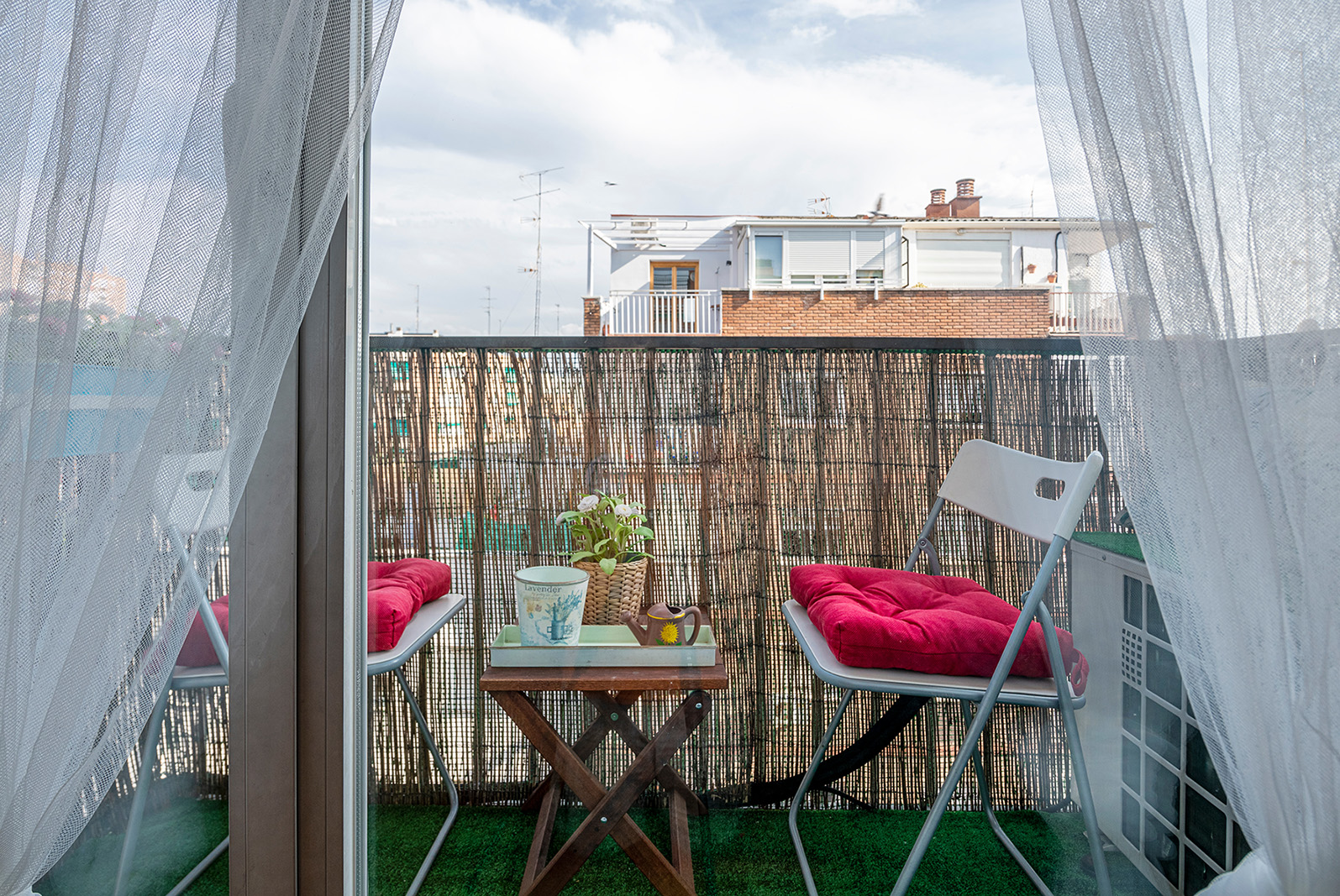
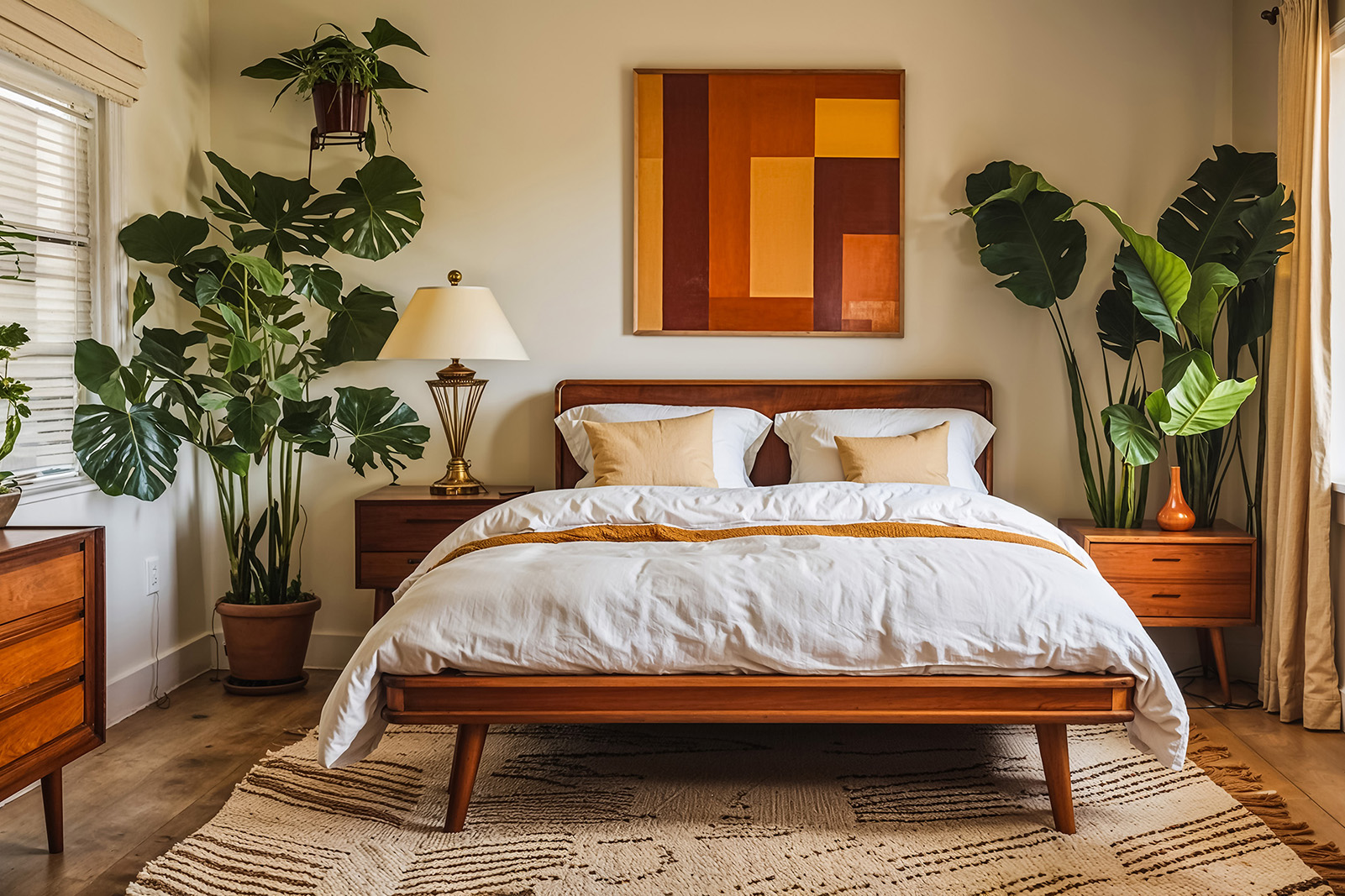
Replace dark, repetitive, cluttered, or outdated photos. Your strongest image may be a colorful patio, inviting bedroom, great view, or standout amenity and not necessarily a wide shot of the living room.
Review your title and opening description, as well. Generic copy like “beautiful home in a great location” blends into the search results.
Instead, highlight what makes the stay useful:
“Walkable two-bedroom retreat with a fenced patio and dedicated workspace”
Specific details help the right guest immediately understand why your rental fits their trip.
Check Your Guest Fit and Features
A rental can have great reviews and still be marketed to the wrong guest. Decide whether your property is best suited for families, couples, remote workers, groups, or another type of traveler. Then make sure the photos, description, and amenities support that guest.

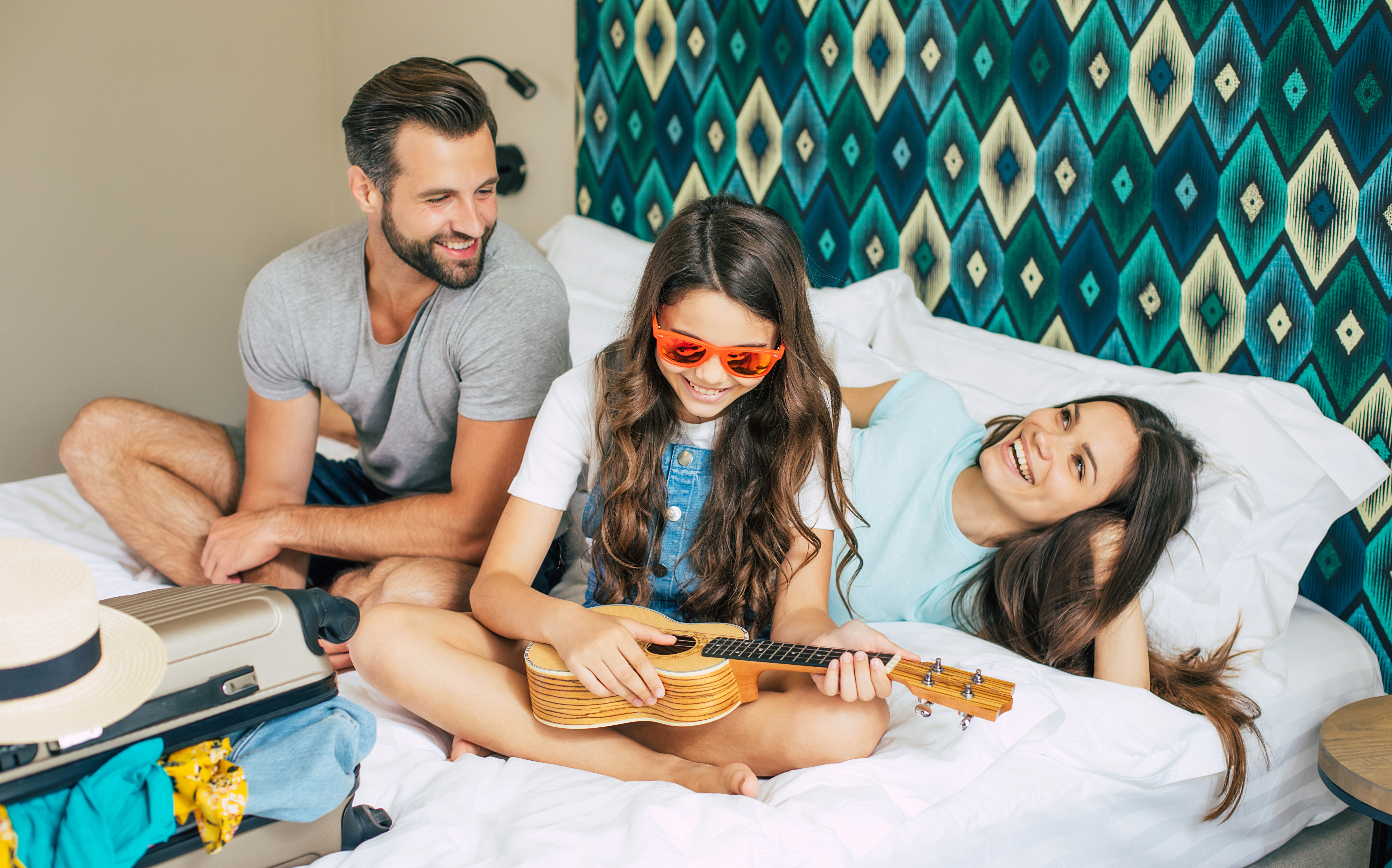
A family-friendly listing should clearly show sleeping arrangements, dining space, parking, and useful family features. A remote-work-friendly stay should show the actual workspace, chair, lighting, outlets, and Wi-Fi details.
Also compare your property’s features to nearby rentals. Guests may notice worn bedding, dim lighting, dated televisions, limited charging access, bare walls, or outdoor areas without comfortable seating.
If you’re not completely sure which guest your property should be speaking to, use the Target Guest + Amenities Guide to identify your best-fit traveler and the features that matter most to them.
Once you know who you’re trying to attract, you probably don’t need a full renovation to make the property more appealing. Fresh bedding, better lighting, coordinated artwork, charging stations, or one thoughtful amenity can make the property feel more current. Browse the Experience Library for ideas that fit the guests you want to attract.
Compare More Than the Nightly Rate
Search Airbnb using realistic dates and a typical guest count. Then compare your listing to nearby options.
Look at their cover photos, total prices after fees, reviews, sleeping arrangements, parking, pet policies, outdoor spaces, cancellation terms, and standout amenities. A competitor charging more may include free parking or a better workspace. A cheaper property may add a high cleaning fee at checkout.
Also, check your listing for confusing or missing information. Guests should not have to guess where they will park, whether stairs are required, how many adults can sleep comfortably, or what type of bed is in each room.
You can also use MarketLens to explore neighborhood guest expectations and the features that may help local rentals stand out.
After the audit, you may still decide to adjust your price. But good reviews show that guests enjoy the property once they arrive. Before lowering your rate, make sure your photos, copy, features, guest fit, and overall value are clearly giving future guests a reason to book.
Happy Hosting!